App / Productivity
SMSReminder
Your appointments. Your reminders. Your number. An Android app that prepares SMS reminders from your calendar.
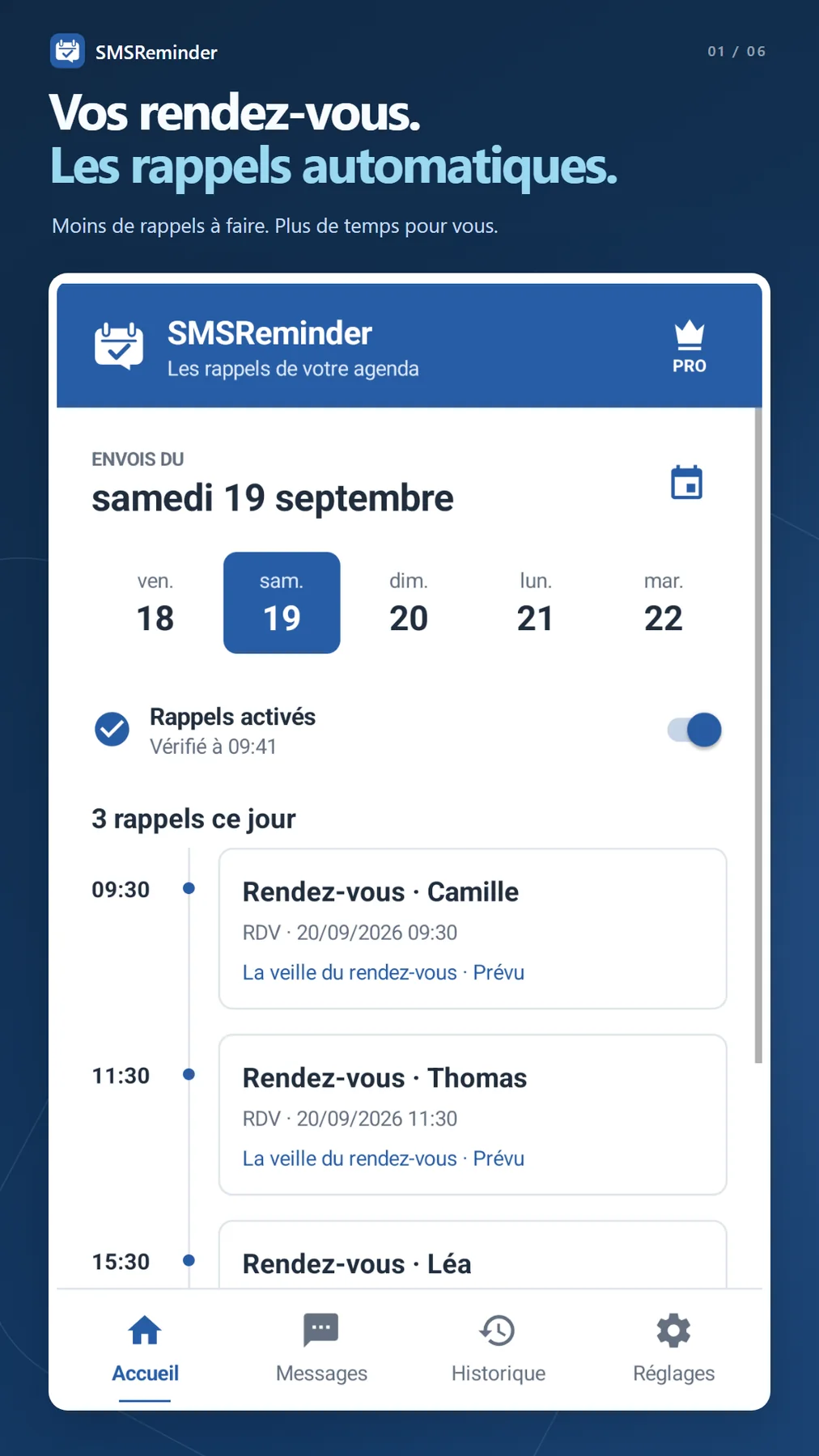
An appointment in your calendar, a message ready to go. SMSReminder takes the repetitive work out of sending reminders: set up your messages, choose when to send them and let the app prepare them on your phone.
For work or personal appointments, keep in touch with messages that sound like you, sent from your own number.
Start with your calendar
Select calendars synced to your Android phone, including Google Calendar. Add one valid phone number to each appointment’s description. SMSReminder finds it and prepares reminders based on your settings. You can check the recipient and message before sending.
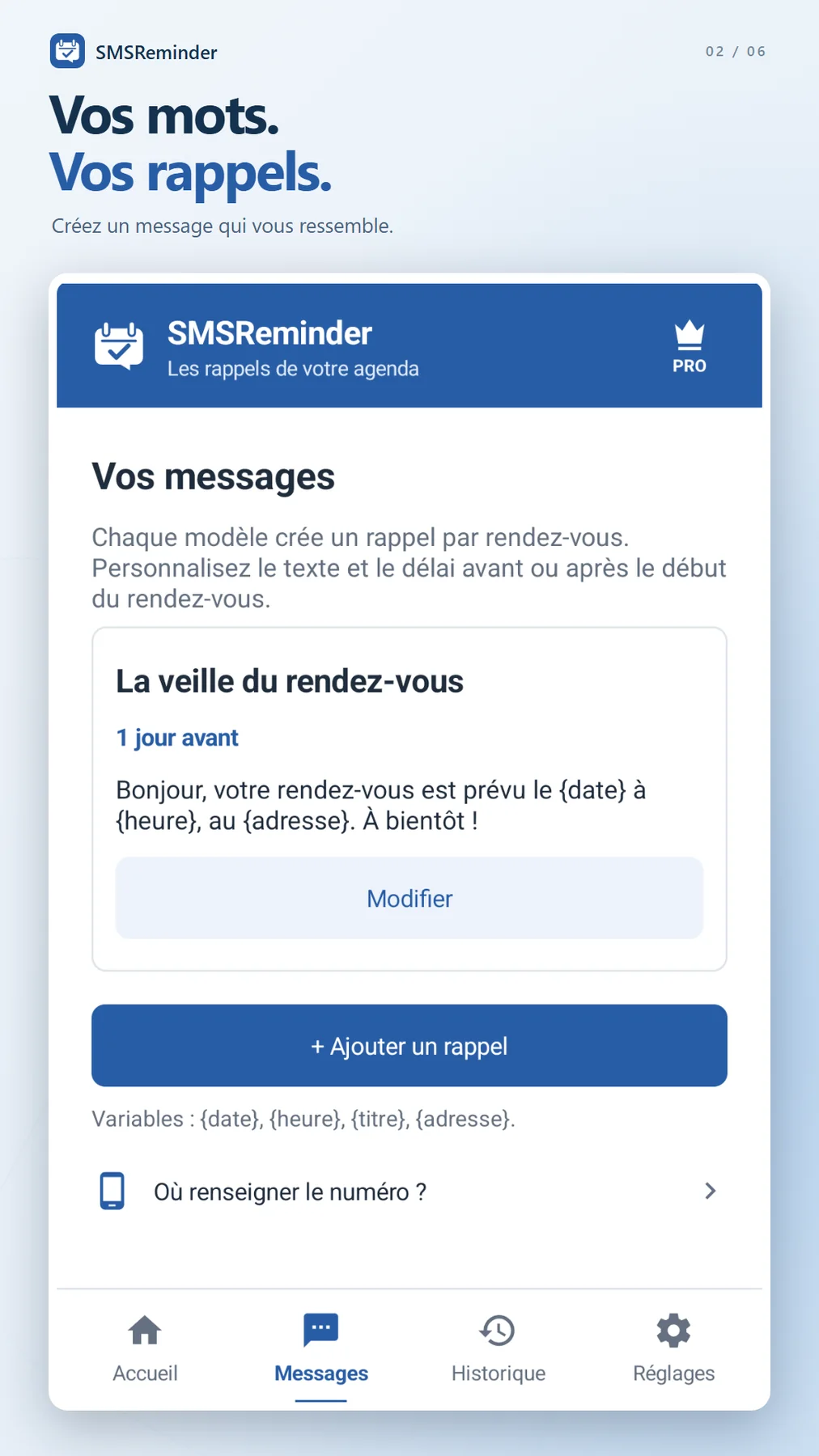
Your words, on your schedule
• Create multiple message templates to suit your needs.
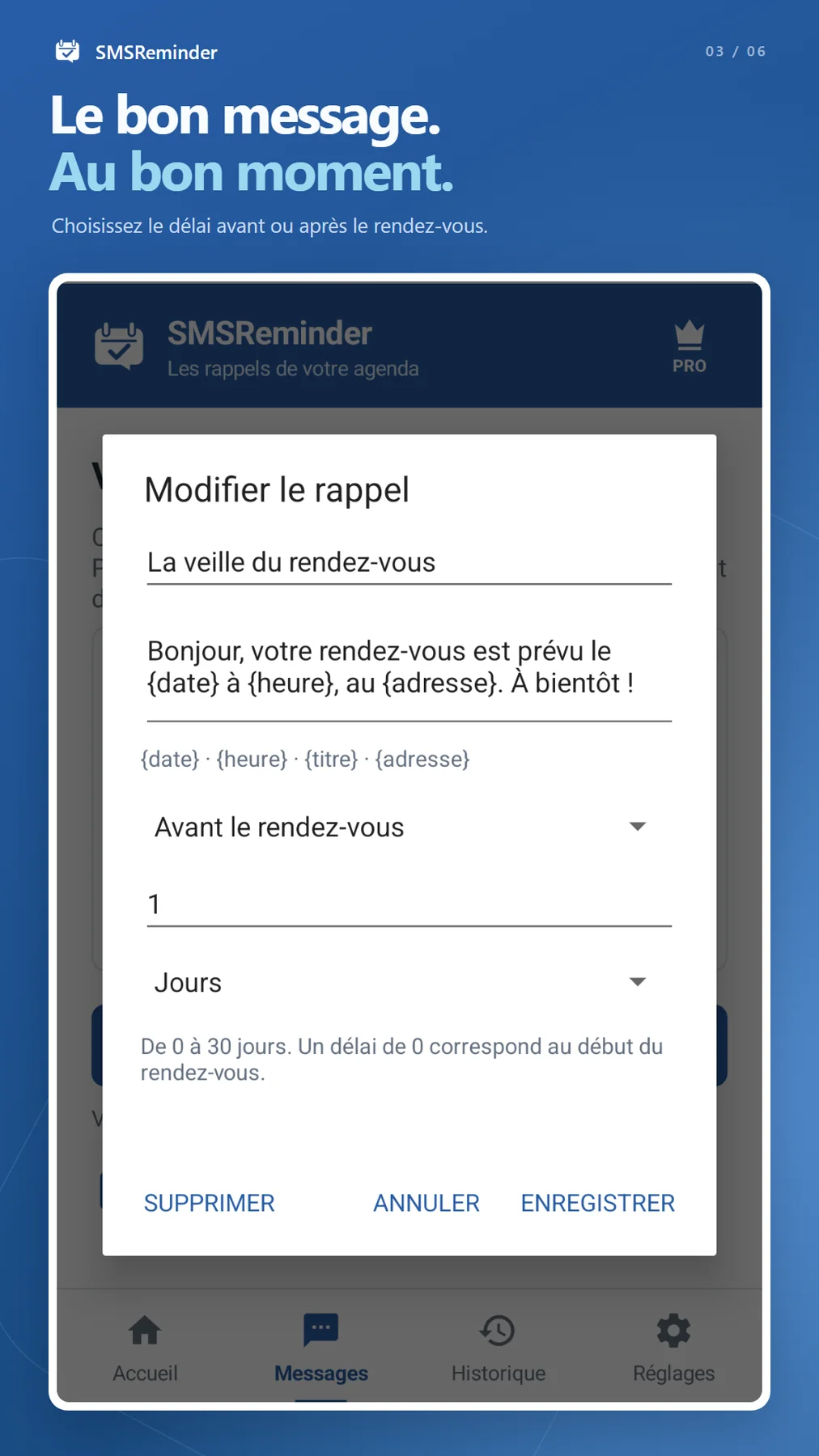
• Schedule reminders before or after the appointment starts, in minutes, hours or days, up to 30 days.
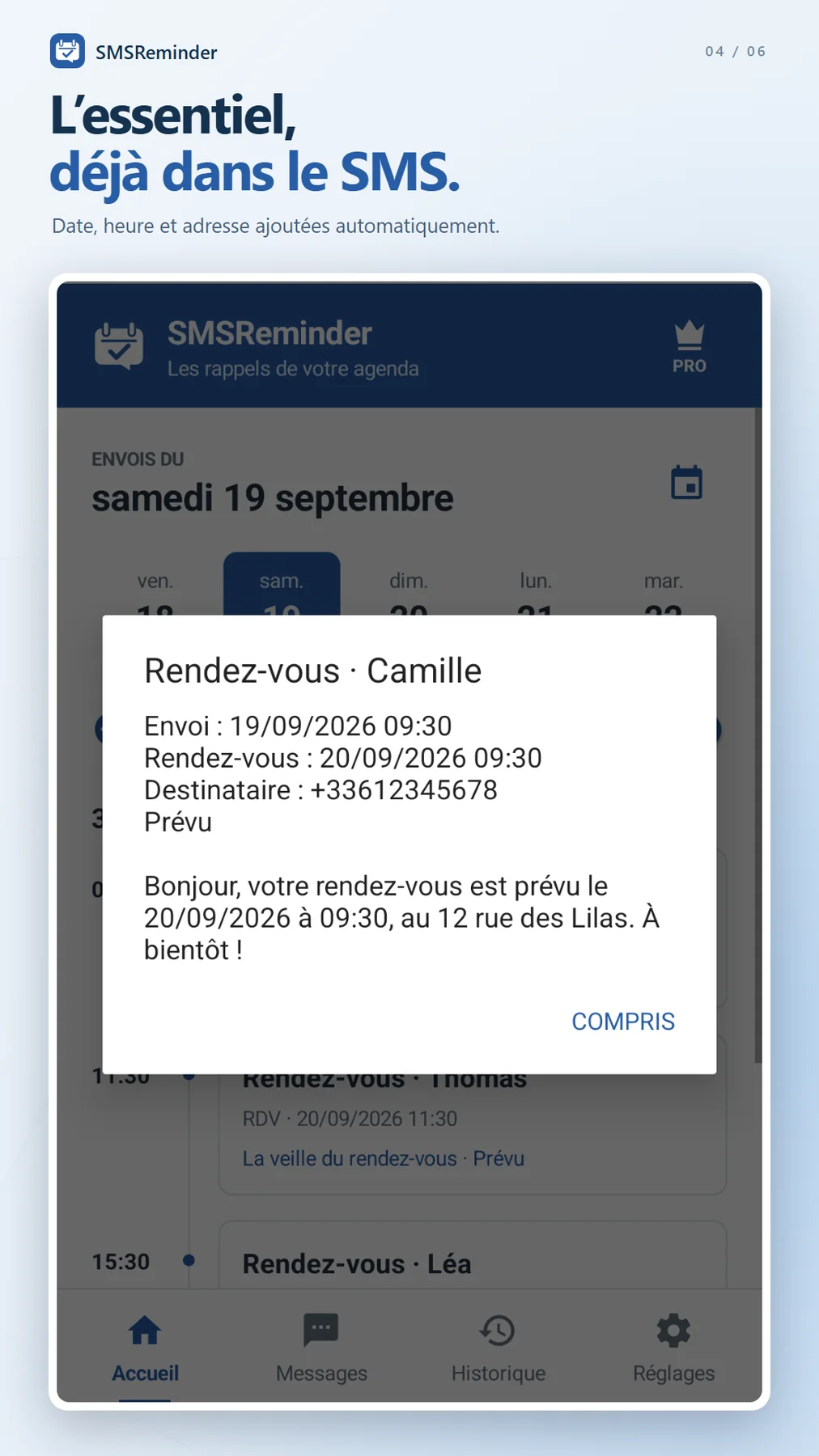
• Automatically insert the date, time, title and address with {date}, {heure}, {titre} and {adresse}.
• The date and time refer to the appointment. The address comes from its Location field. Variable names stay the same in every language.
• Choose which SIM sends your SMS, including on dual-SIM phones.
• Enable or pause reminders from the app.
Keep a record of your messages
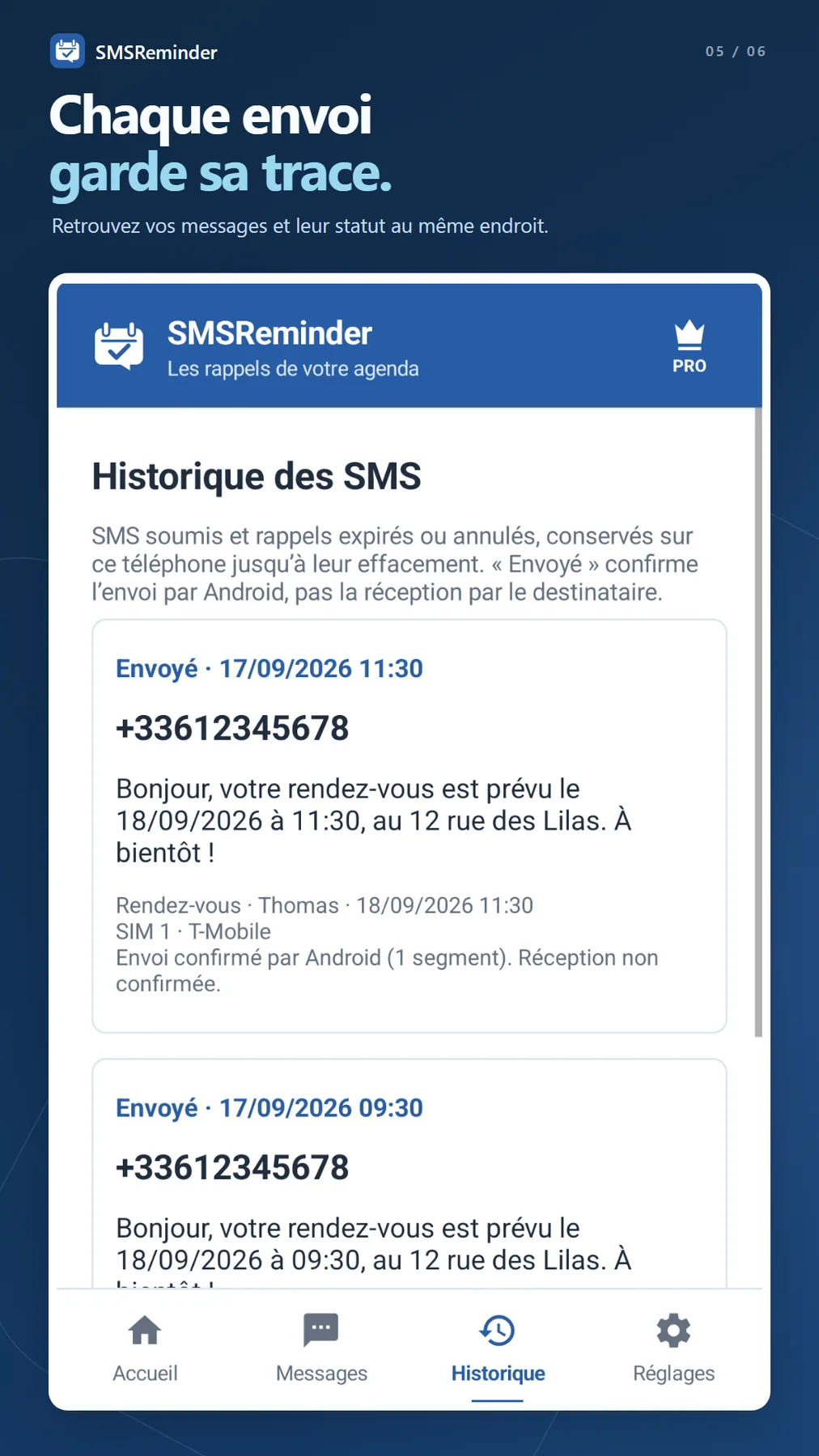
Find your messages, recipients and sending status in a history stored on your phone. Expired and cancelled reminders are also available to review. A sending confirmation from Android does not guarantee delivery to the recipient.
No ads. No SMSReminder account
Reminders are processed on your phone, without an SMSReminder server. No calendar or message history is sent to the developer. The app does not read incoming SMS or contacts. SMS messages travel through your mobile carrier; Pro purchases use Google Play.
A plan that fits your usage
The free version allows 10 SMS reminders in a rolling 24-hour period. All other features are included.
The optional SMSReminder Pro subscription, monthly or yearly through Google Play, removes only this quota. It does not include a mobile messaging plan: your carrier’s charges and limits still apply. A long message may count as several SMS messages on your plan. The subscription price is shown before purchase.
What automatic sending needs
Allow calendar access, SMS sending, SIM identification and Android alarms and reminders. Your phone must be switched on and have mobile network coverage. Android may delay execution. Changes made on another device appear once the calendar has synced to this phone.
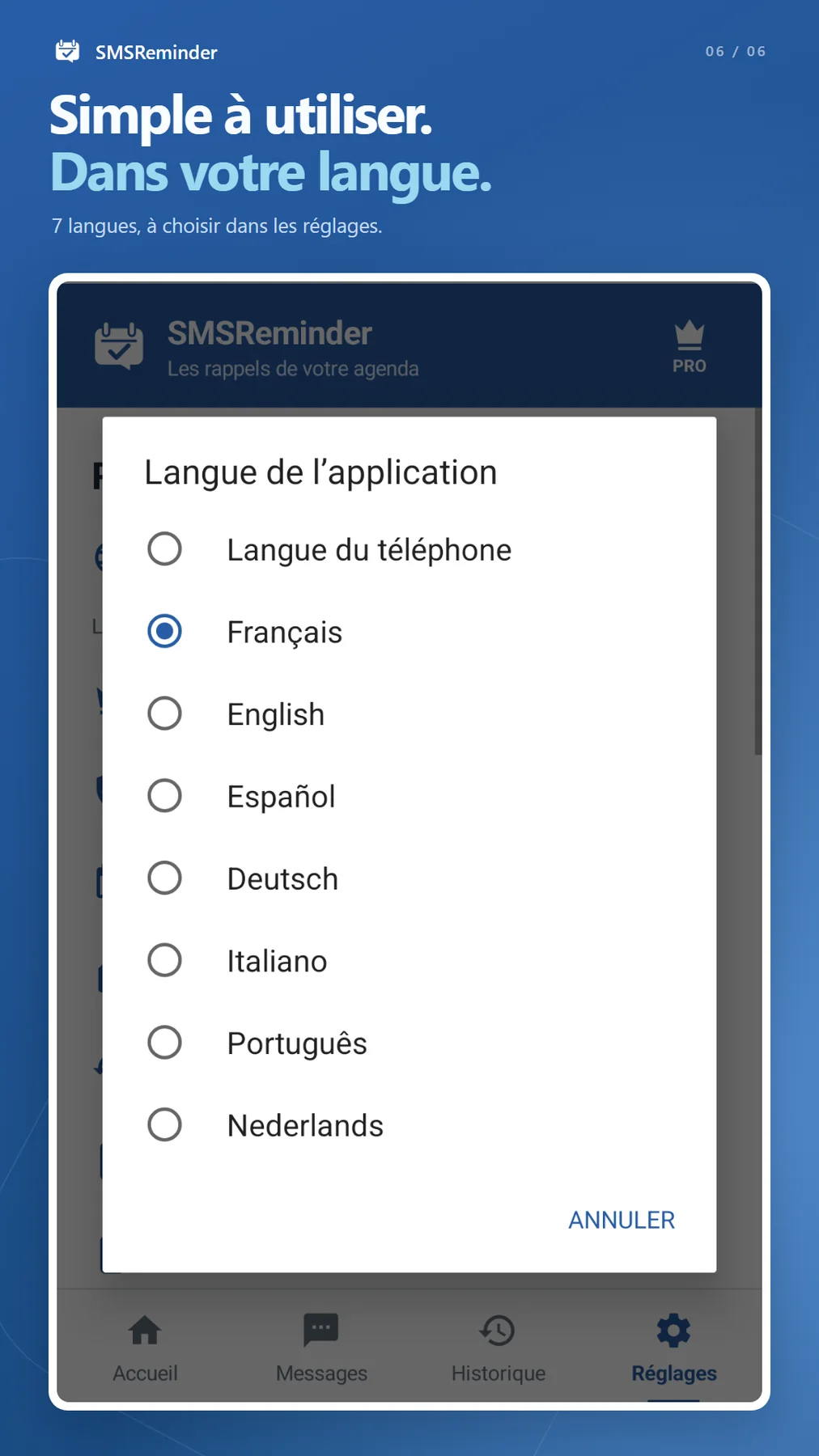
The interface is available in English, French, Spanish, German, Italian, Portuguese and Dutch. Change the language in settings.
Gallery