 keyboarded
27.10.2026 / KEYBOARDED
Android firewall: control app connections with Netrilo
Wi-Fi, mobile data, advertising and local VPN: understand Netrilo’s Android firewall and choose connection rules that suit your apps.
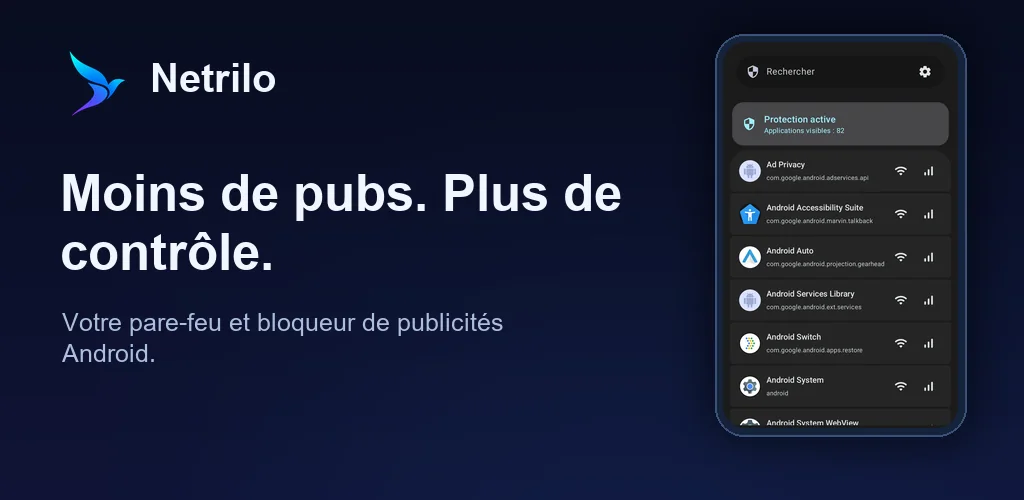
An app may use the internet to load content, sync an account, receive a message or contact advertising services. An Android firewall lets you choose which apps can connect. Netrilo combines these rules with domain filters to reduce advertising, trackers and some unwanted connections.
Separate Wi-Fi from mobile data
Netrilo provides independent Wi-Fi and mobile-data rules for each app. For example, you can keep a data-heavy app on Wi-Fi while allowing your messaging app on both networks. Start with a few familiar apps instead of blocking everything. Disabling a connection can also stop synchronisation, content loading or incoming notifications.
Understand Android’s VPN permission
Netrilo uses Android’s VPN service to apply filtering on the phone. The system permission request and VPN icon are therefore expected. Traffic does not pass through a Netrilo server, and the app does not change your country. Android allows one active VPN service per user or profile, so starting another VPN may interrupt this filtering.
Enable protection lists
Ready-to-use lists contain domains associated with ads, tracking or suspicious content. They can update without a new app release. Results depend on the services involved: some ads remain visible, particularly when their delivery cannot be distinguished from the expected content. Dashboard counters measure blocked requests rather than an exact number of removed advertisements.
Troubleshoot a website or app
If a problem starts after a rule change, first check the affected app’s Wi-Fi or mobile-data permission. Temporarily return to the previous setting, then re-enable changes individually. Netrilo Premium adds connection history, guided troubleshooting and temporary exceptions for closer investigation. Avoid disabling every protection to resolve a problem affecting one app.
Know what is included
Per-app rules, ready-to-use filters and basic counters are free. Premium adds features such as custom lists, installation alerts, live throughput, automatic profiles and CSV export. It is offered as a one-time purchase without a subscription. Netrilo’s own interface contains no advertising.
Explore Netrilo and its screenshots. The system VPN service is described in the Android documentation.